noF Player / noF Remote
Apple Immersive Video (.aivu) を、Apple Vision Pro で。手元の iPhone から、装着者に触れずに上映をコントロール。
Play Apple Immersive Video on Vision Pro. Control the screening from an iPhone — without touching the headset wearer.
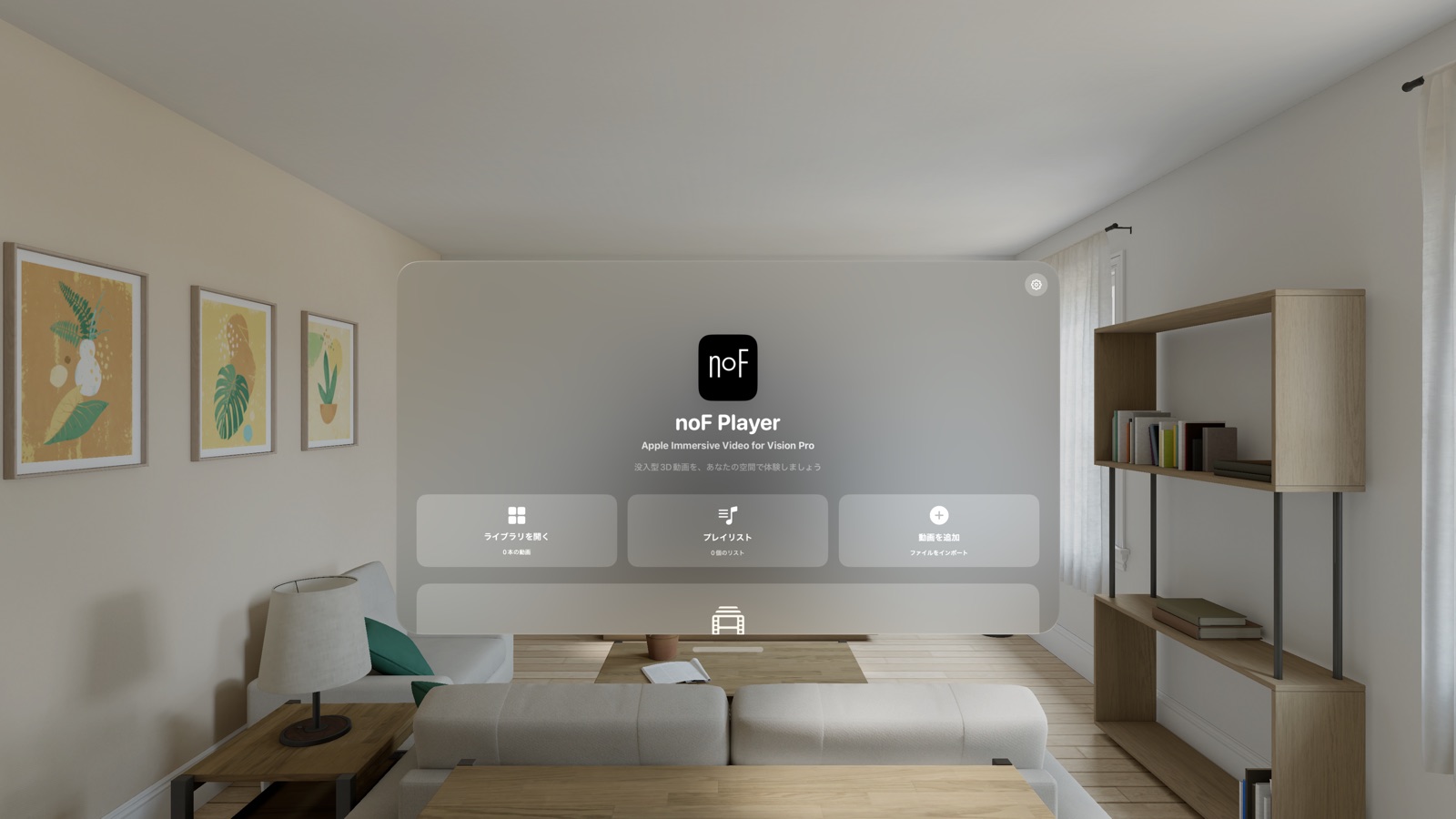
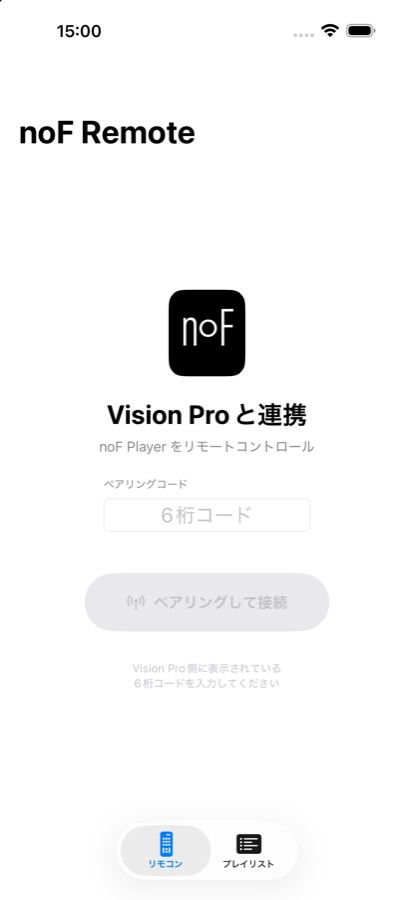
noF Player(visionOS・無料)
- Apple Immersive Video (.aivu) ファイルの取り込みとライブラリ管理
- タイムコード指定のセグメントを組み合わせたプレイリスト再生
- 没入空間内のコントロールパネル(再生・シーク・速度・正面リセット)
- サンプル映像を同梱 — インストール直後に体験できます
対応: Apple Vision Pro (visionOS 26.2 以降)
noF Remote(iOS・買い切り)
ペアリングした 1 台の noF Player を、1 台の iPhone から操作するリモコンです。
- 再生 / 停止 / シーク(タイムラインサムネイル付き)/ 速度 / 音量
- プレイリストの作成・編集・再生指示
- 正面位置リセットの遠隔実行
- 6 桁コードで初回ペアリング、以後は自動再接続
ご購入前にお読みください: noF Remote の利用には Apple Vision Pro と noF Player(無料)が必要です。単体では動作しません。通信は同一 Wi-Fi 内のローカルネットワークのみで、サーバーやアカウントは不要です。
上映・展示での利用(LBE)
ギャラリー・イベント・試写など、装着者に触れずに再生を進行したい場面のために設計されています。複数台の一斉コントロールに対応する上映者向け製品も準備中です。ご相談はお問い合わせまで。
English
noF Player (visionOS, free) plays Apple Immersive Video (.aivu) files on Apple Vision Pro — import your files, manage a library, build playlists from time-coded segments, and control playback with in-space controls. A sample video is bundled.
noF Remote (iOS, paid) controls one paired noF Player from one iPhone: play/pause, seek with timeline thumbnails, speed, volume, playlists, and remote recentering. Requires an Apple Vision Pro running noF Player; it does not work on its own. All communication stays on the local network — no account, no server.